







 Wiki
Wiki
Centralize information to prevent dependency on individuals, reduce onboarding and handoff friction, and boost team productivity.
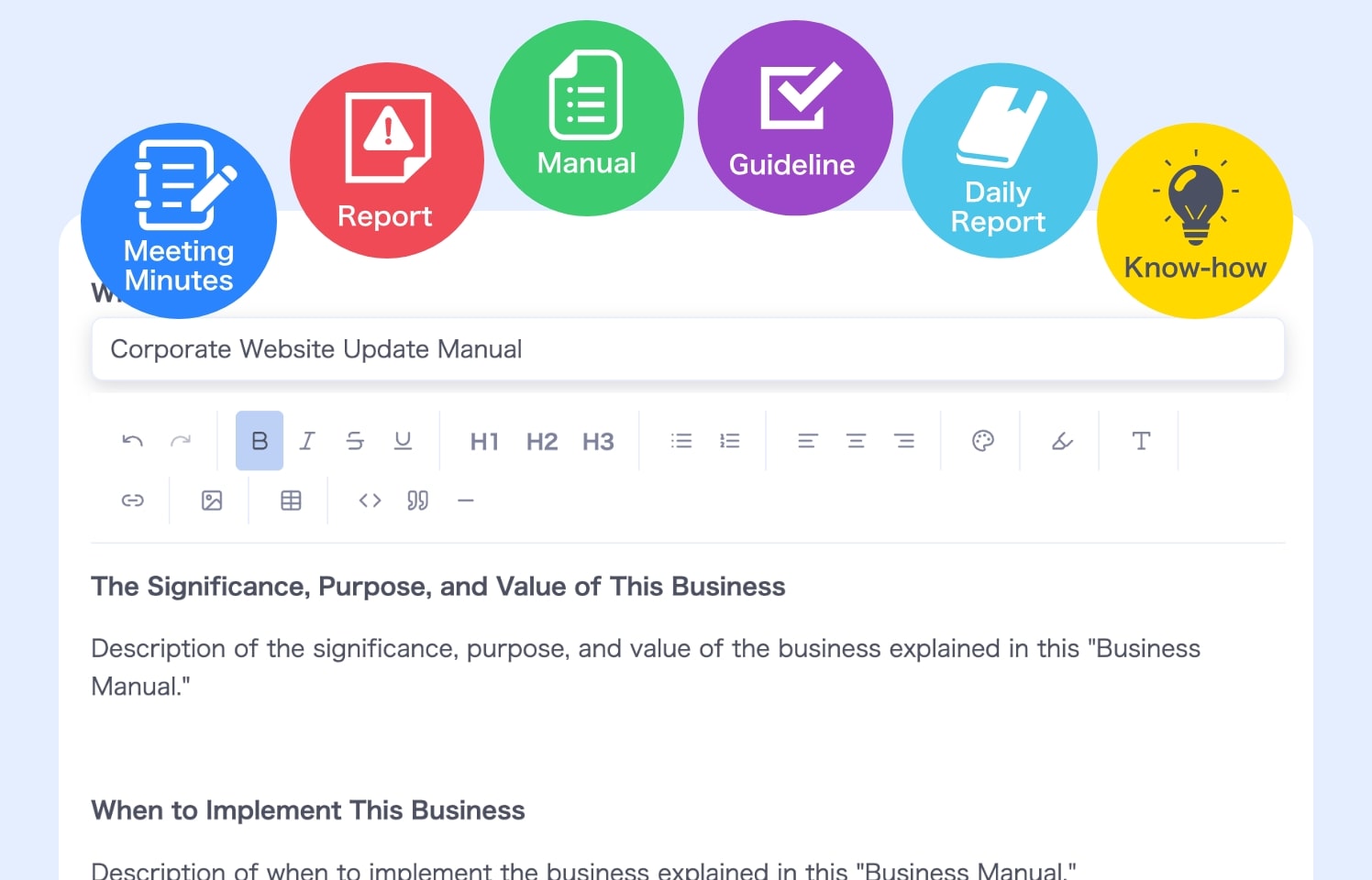

Turn knowledge into assets and level up your team's speed and quality
Reduce the cost and load of training and onboarding
before
Every new hire means explaining the same things again...



 Training takes time and other work gets pushed back.
- What you teach varies each time, so
training quality is inconsistent.
after
Less effort to train, and quality stays high!

 New hires learn at their own pace,
reducing the trainer’s workload.- You can share reasoning and tips,
passing on the thinking, not just the tasks.
before
Training differs by person, and key points get missed...

- Lessons rely on personal intuition, so
content varies by trainer. - Nothing is documented, making
missed topics hard to catch.
after
Standardize training and eliminate variation!

- Define and share the training items upfront.
No more missing essentials. - Clear records help
align both trainer and learner.
before
Handoffs take forever because information is scattered...

- Details get lost and the next person struggles.
- Without past context, the same mistakes repeat.
after
Store it in the Wiki for smooth handoffs!

- Everything is organized, so
successors never feel lost. - You can save reasoning and cautions,
making the work easy to reproduce.
Turn personal knowledge into shared team assets
Build a team that consistently drives revenue in a fast-moving industry
before
Know-how depends on individuals...

- When a veteran leaves, the team slows down.
- Who did what and how isn’t shared,
so nothing is repeatable.
after
Capture know-how and make work repeatable!

- Document workflows and decisions in the Wiki.
- Even when members change, quality stays consistent.
before
Decisions vary by person, and quality is unstable...

- Decision reasoning and cautions are not shared.
- Ad-hoc decisions continue,
causing inconsistent quality.
after
Record the “why” and standardize decisions!

- Use past learnings to
avoid repeating mistakes. - Consistent decision-making leads to
stable quality.
before
Starting from scratch every time wastes time and cost...

- Even similar projects don't reuse know-how,
slowing everyone down. - Speed and accuracy depend on
the individual’s skill.
after
Use past know-how and reach outcomes faster!

- With accumulated know-how,
anyone can start immediately. - Routine work moves faster,
boosting overall productivity.
Turn information into assets and outcomes.
Ready to start?
Empower both your team and projects
2 Wikis

Team Wiki
Turn cross-project knowledge into team assets.
Maintain the same quality and speed, no matter who’s on the team.
Use Cases
- Strategy & RequirementsShare past strategies and requirement docs as common knowledge to speed up early planning.
- Improvement & UpdatesReuse proven improvement insights to increase consistency across projects.
- Training & KnowledgeCapture learnings from multiple projects in a team-wide Wiki to streamline onboarding and handoffs.

Project Wiki
Turn project-specific information into shared assets.
Ideal for collaborating with clients and external partners.
Use Cases
- Strategy & RequirementsDefine and share requirements clearly to align all collaborators.
- Information ArchitectureOrganize sitemaps and specs in one Wiki for smoother partner collaboration.
- Improvement & UpdatesDocument improvement history to reuse insights in future work.
Easy to start, easy to write, easy to share
Tools that make knowledge assetization effortless
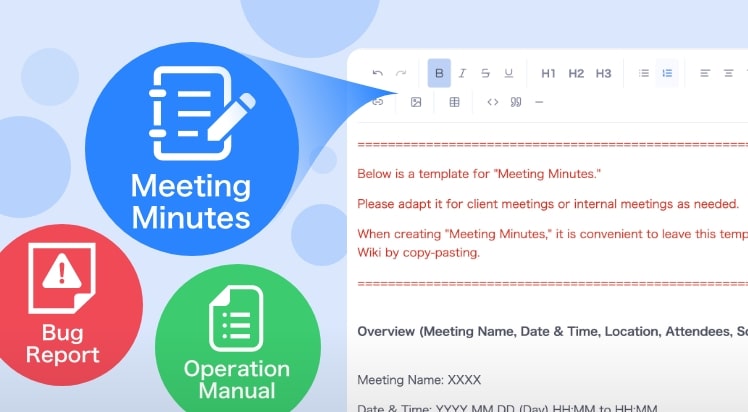
Ready-to-use templates
From meeting notes to bug reports and manuals, plenty of templates are built in.
Asset creation becomes fast and effortless.
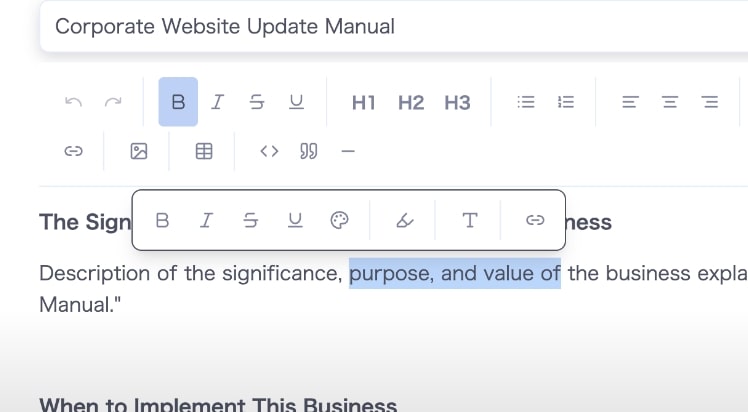
A block editor you call up with "/"
Type "/" to insert headings, tables, code, columns, and more.
Markdown shortcuts work too, so you can keep writing without leaving the keyboard.
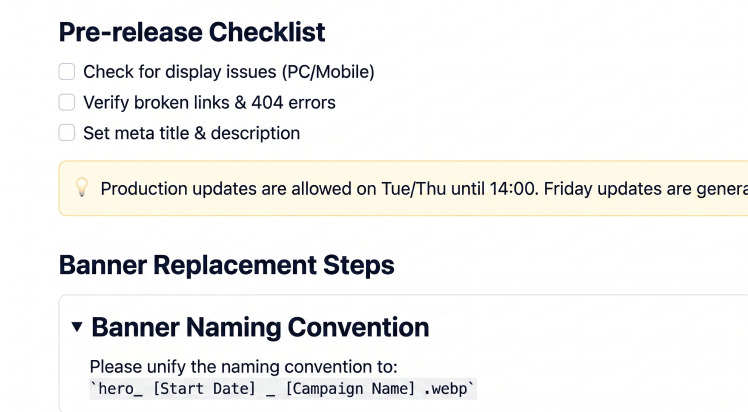
Blocks that keep things tidy
Fold long explanations into toggles, highlight warnings with callouts, and drop in task lists or code blocks in one step.
Organize information the way readers need it.
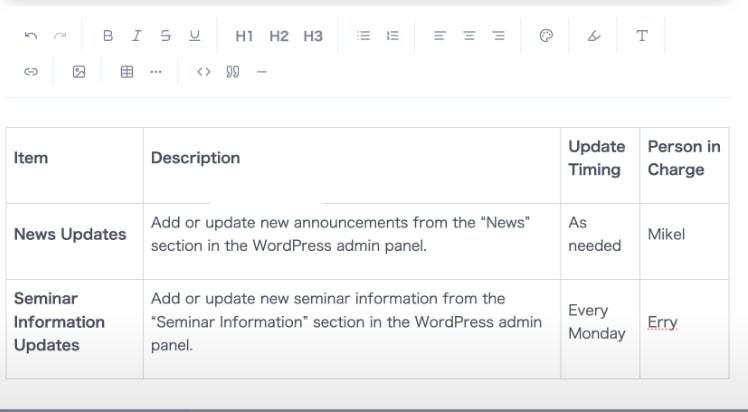
Table insertion
Create tables with one click.
Add rows and columns, merge cells, and drag to resize — perfect for workflows, specs, and structured documents.
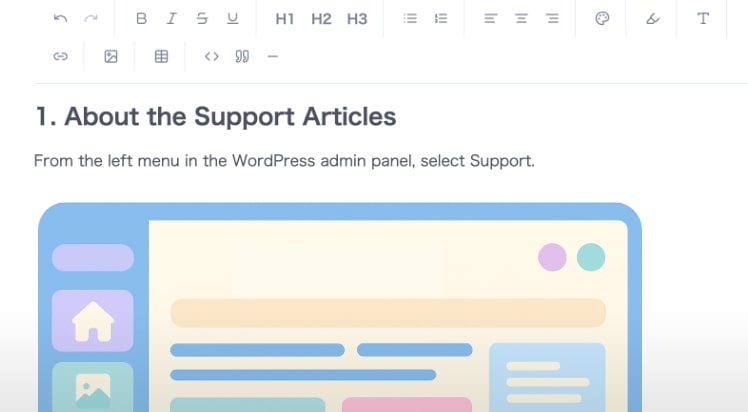
Image insertion
Drag and drop images in, then set captions, size, and alignment.
Click any image to view it full size.
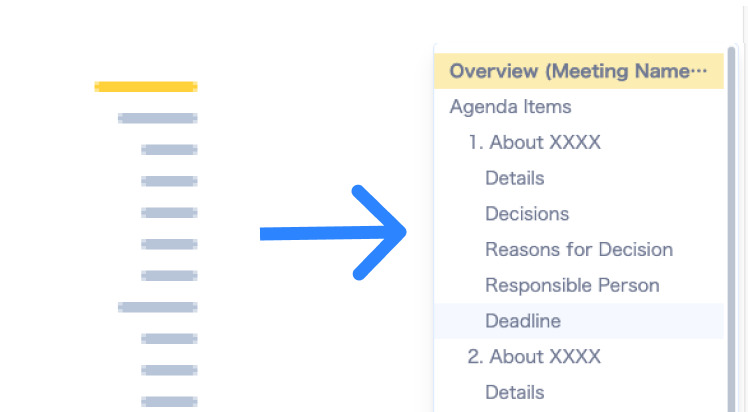
Table of contents and page links
A table of contents is built from your headings, and the outline shows where you are as you scroll.
Type "@" to reference another Wiki page, so the information you need is only a few clicks away.
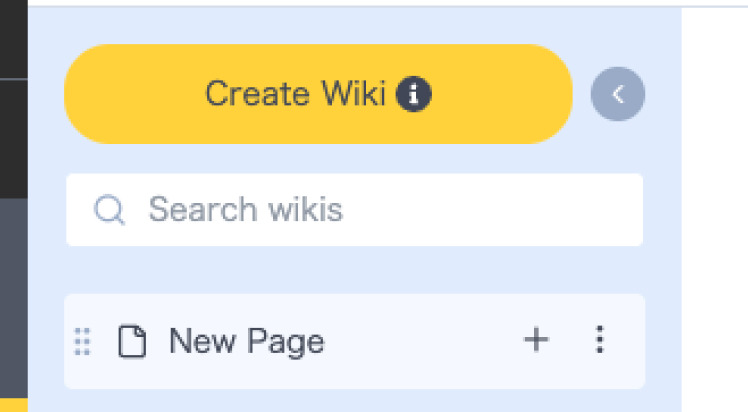
Search from the sidebar
As pages pile up, filter the sidebar by title to find what you need.
Parent pages stay in the results, so you can see at a glance where the information lives.
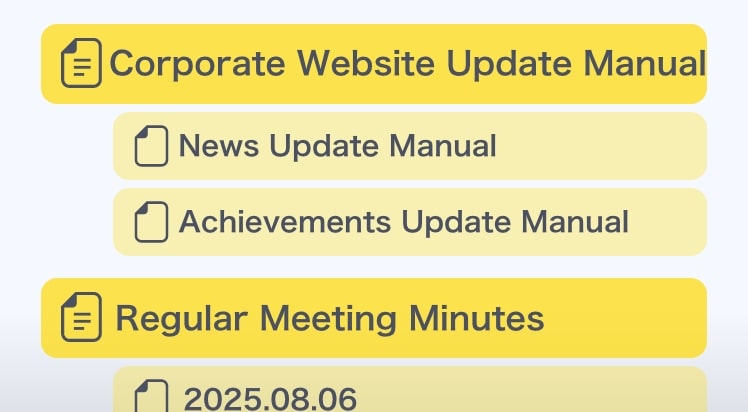
Hierarchy settings
Create parent and child relationships and move pages freely.
A clear structure helps users find what they need without confusion.
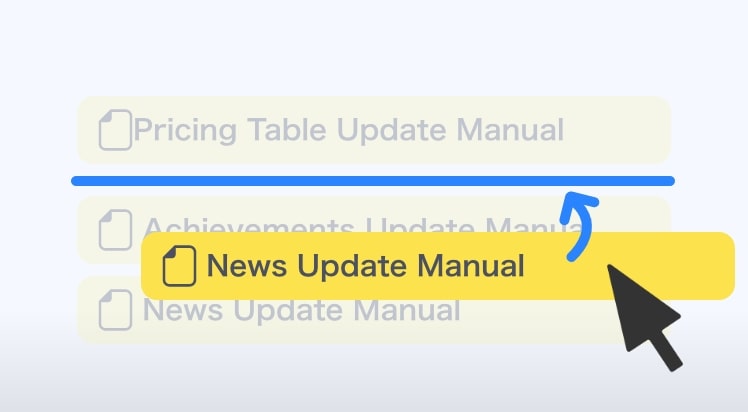
Reordering
Reorder pages with drag and drop, and move blocks inside a page the same way.
Organize by priority or frequency for a clean and usable knowledge base.
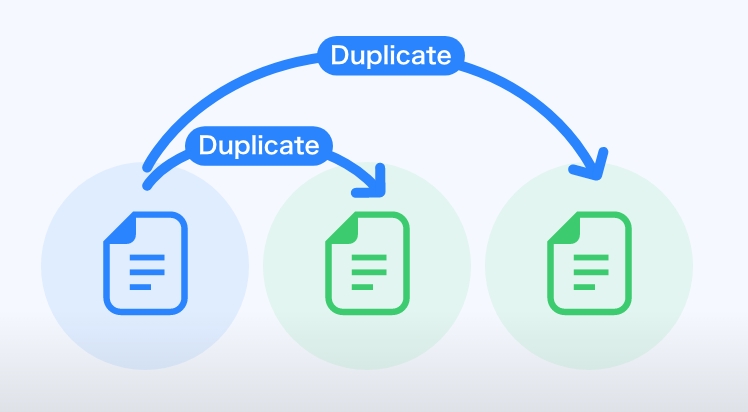
Duplicate
Duplicate any Wiki page with one click.
Build reusable formats and create consistent documentation efficiently.
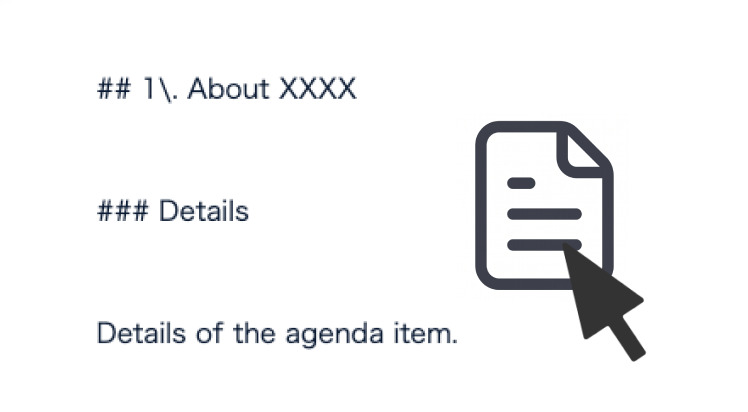
Copy as Markdown
Copy a whole page as Markdown with one click.
Paste it straight into an AI chat or any other tool.
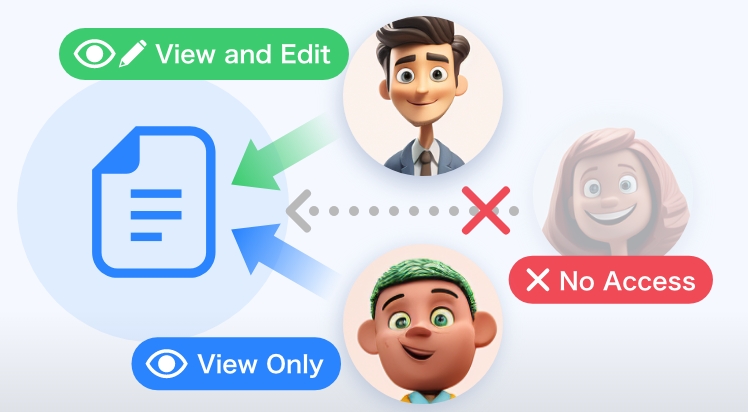
Viewer and editor permissions
Set viewer or editor permissions for each user per Wiki.
Let external partners view only the pages you allow.
※ Project Wiki only.
Turn information into assets and outcomes.
Ready to start?
The MONJI egg program lets you try new MONJI+ features early. These features evolve through user feedback and become official releases once refined.
We look forward to hearing your thoughts and feedback!
Related features
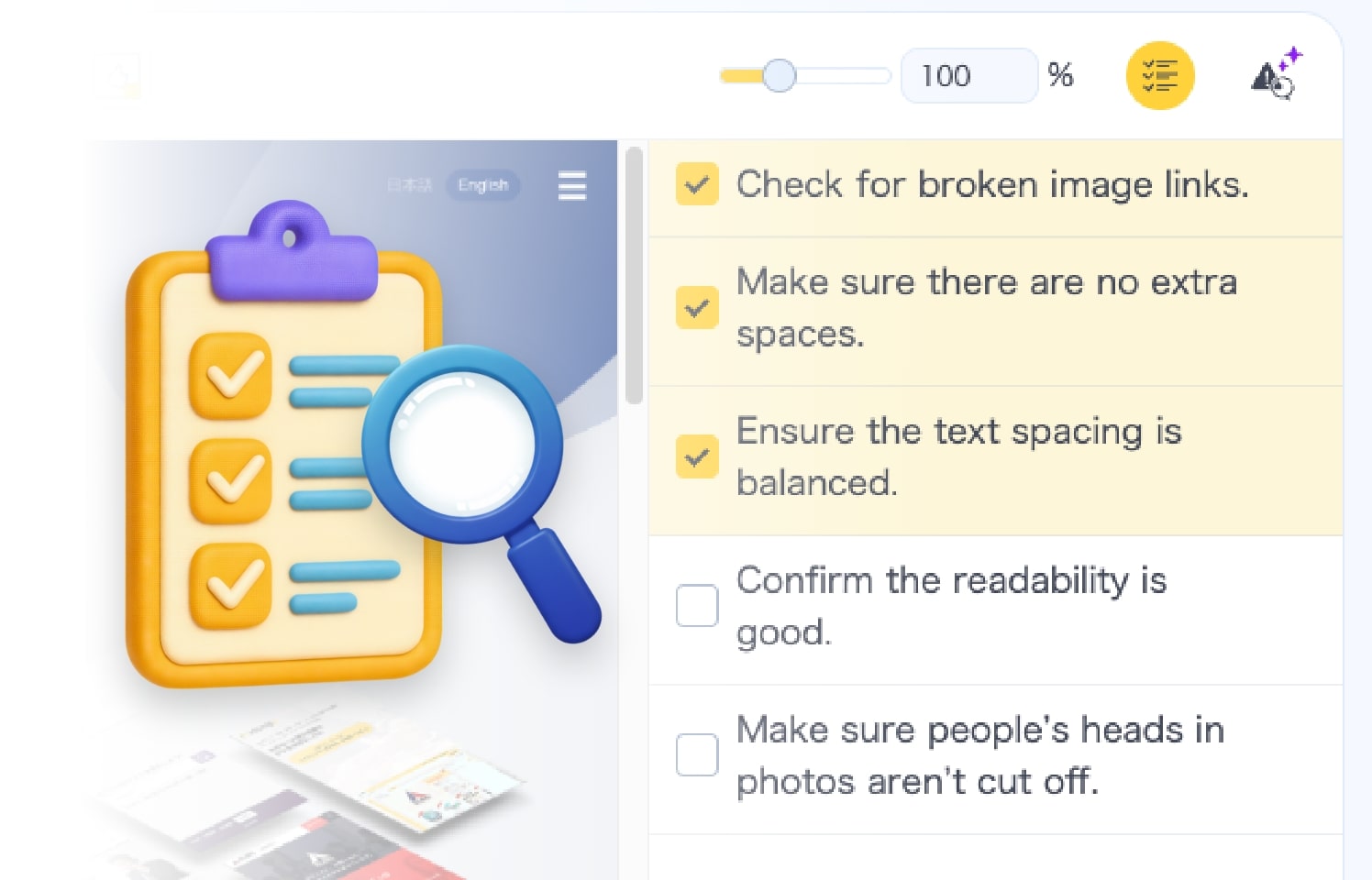
Checklist
Build feedback alongside a checklist. Keep deliverables at consistently high quality.
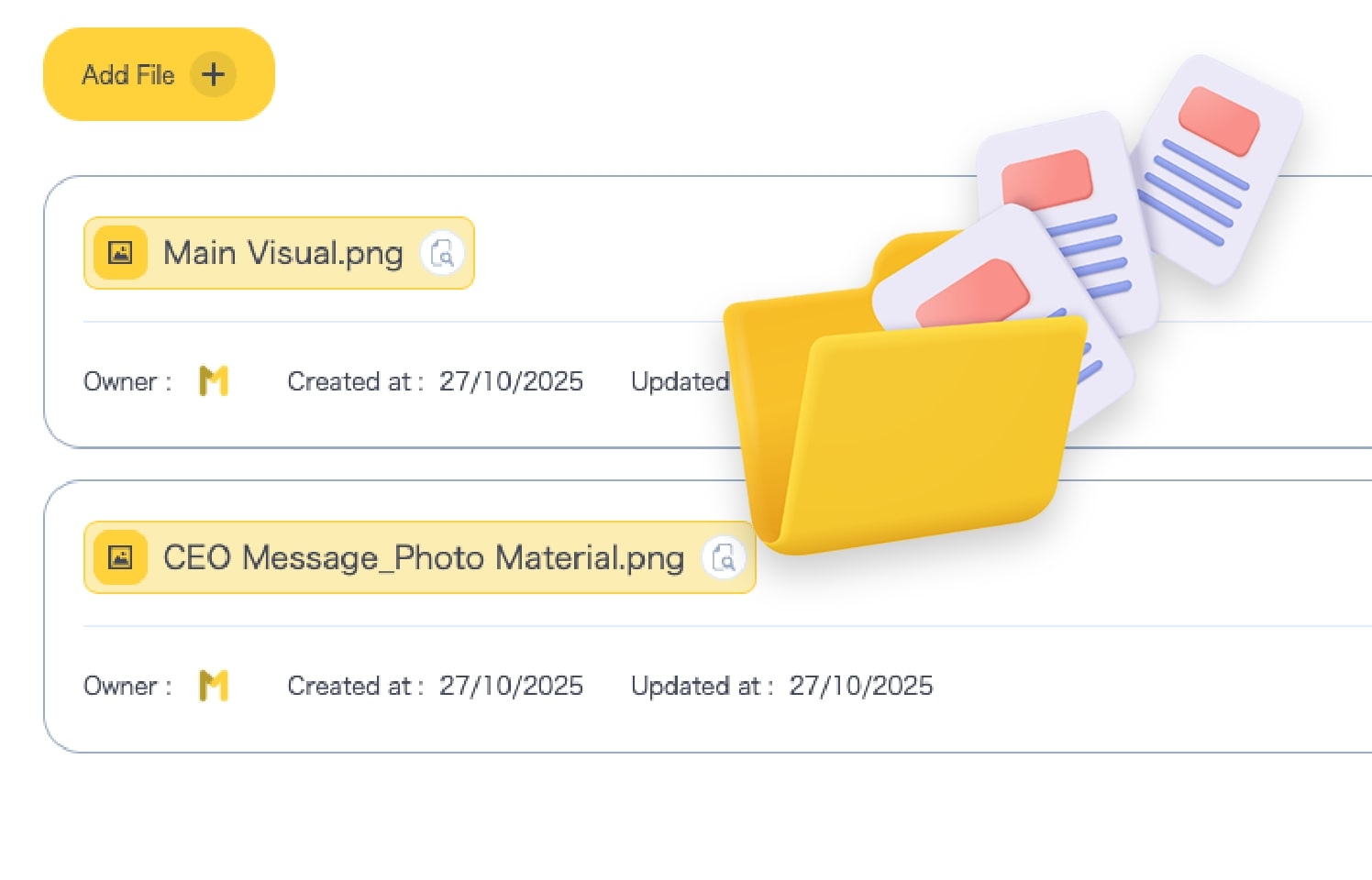
File sharing
Share design files and assets together. Cut time spent searching or resending.
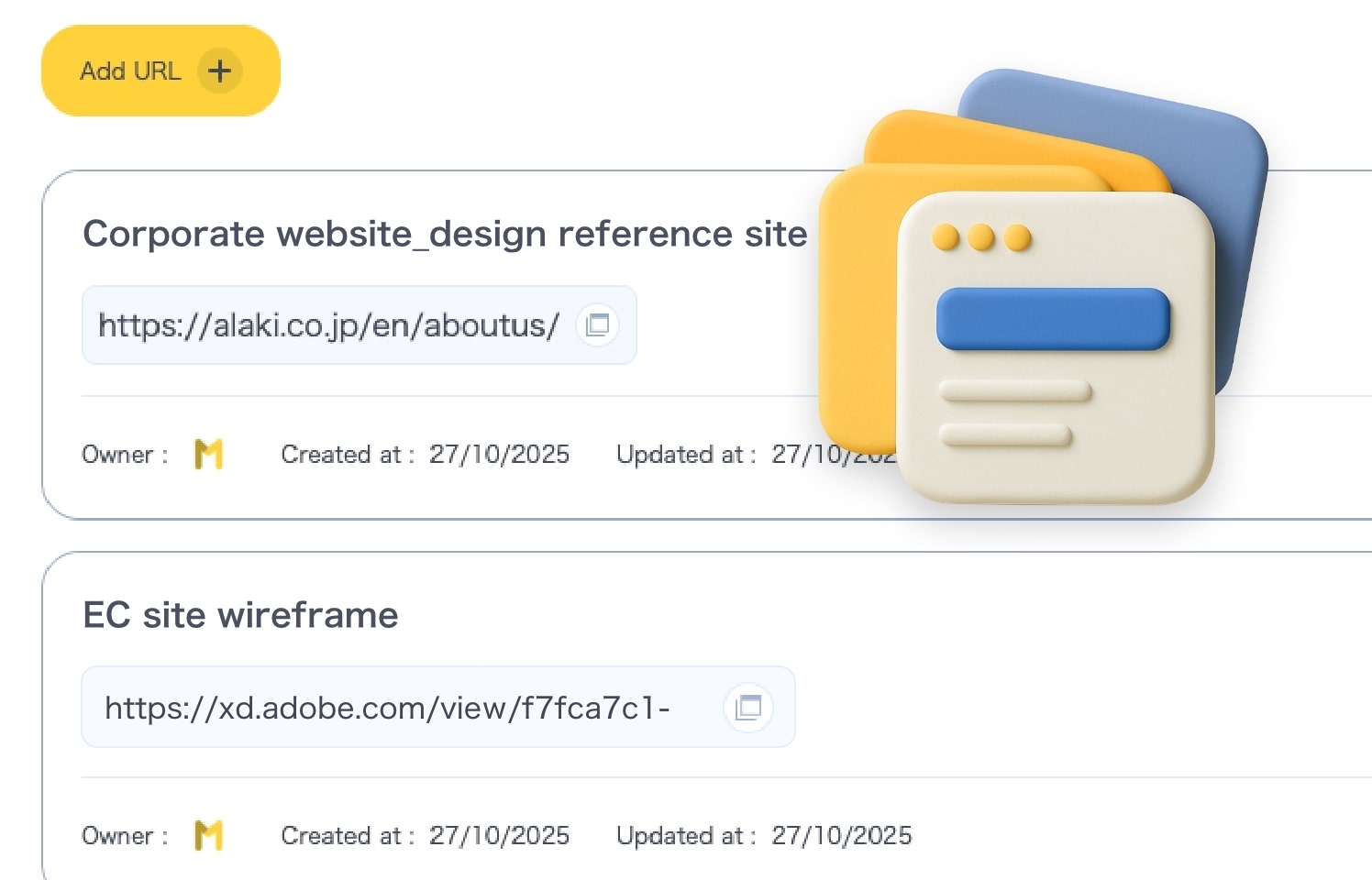
Bookmarks
Centralize every link—reference sites, sitemaps, wireframes—per project.

In-app search
Cut the time spent hunting for files and materials that don't drive meaningful outcomes.
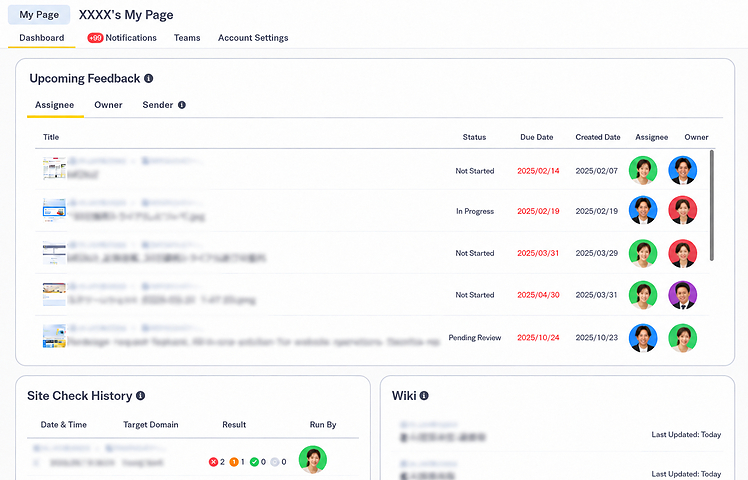
Dashboard
After login, it's clear what to do first and where to go—so you can start work without hesitation.
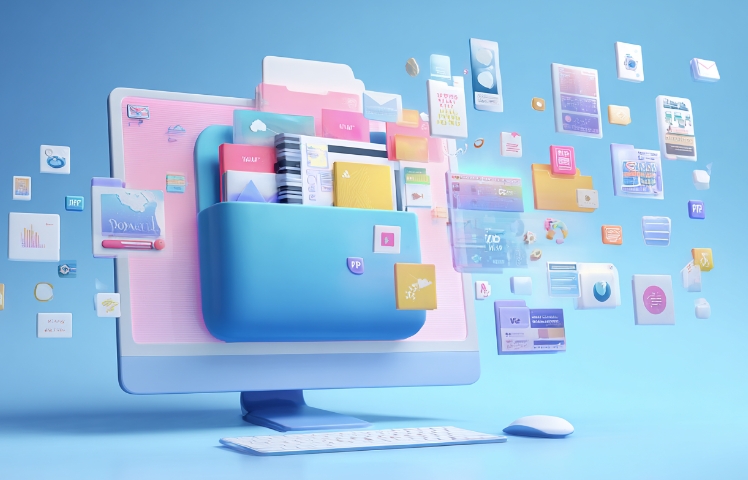
MONJI Pocket (Storage)※Coming soon
Organize and store assets and design files per project. Cut search time and share smoothly.