









Purpose
Use Feedback Points to share:
- Key takeaways or summaries
- Important notes or reminders
- Praise or shout-outs for teammates
This feature helps encourage smoother communication within your team or project.
How to Use
Enter your notes in the Feedback Points field (※1) located at the top right of the Editing the feedback screen.
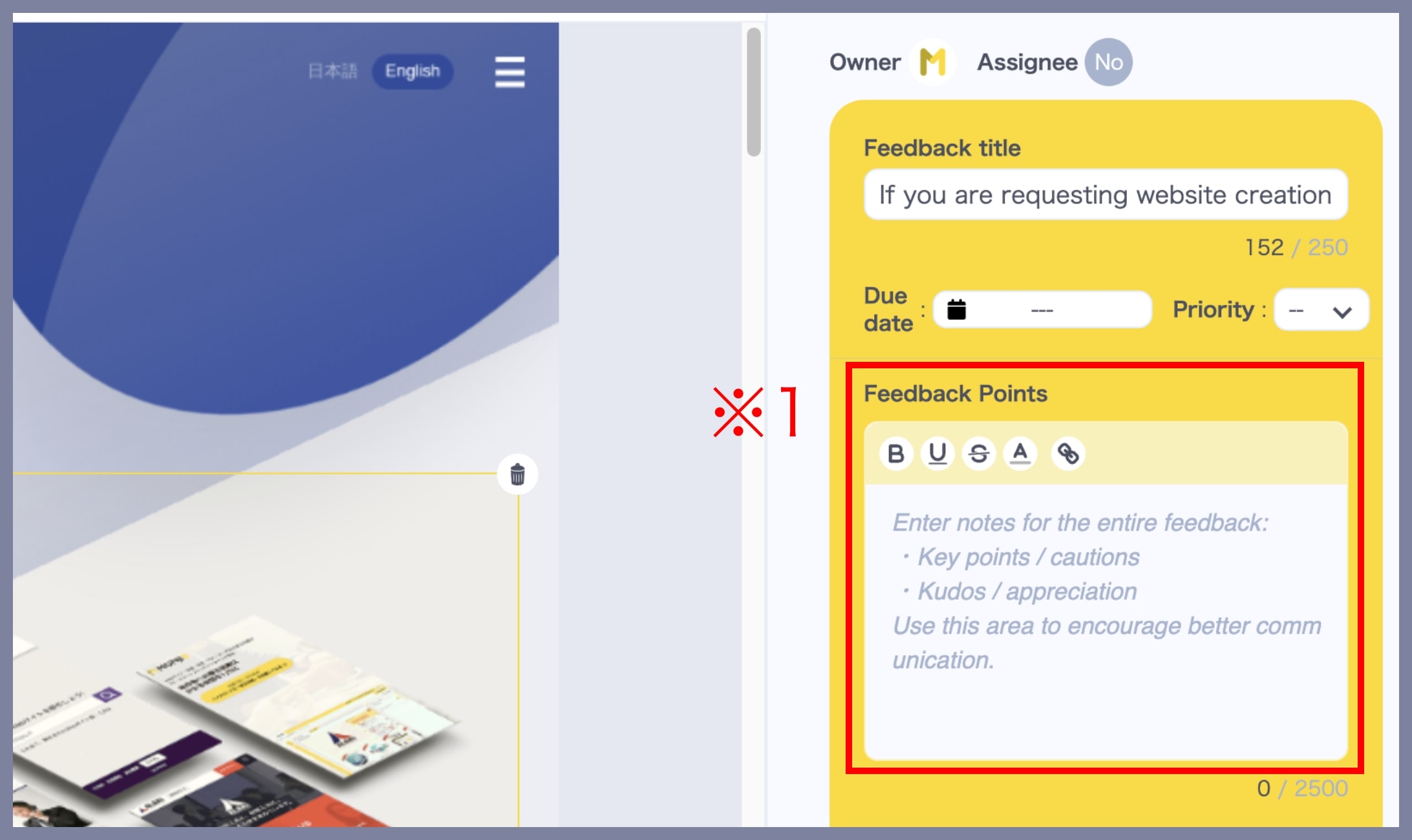
*You can add links or attach files, just like comments.
*You can update it even after submitting the feedback.