Purpose
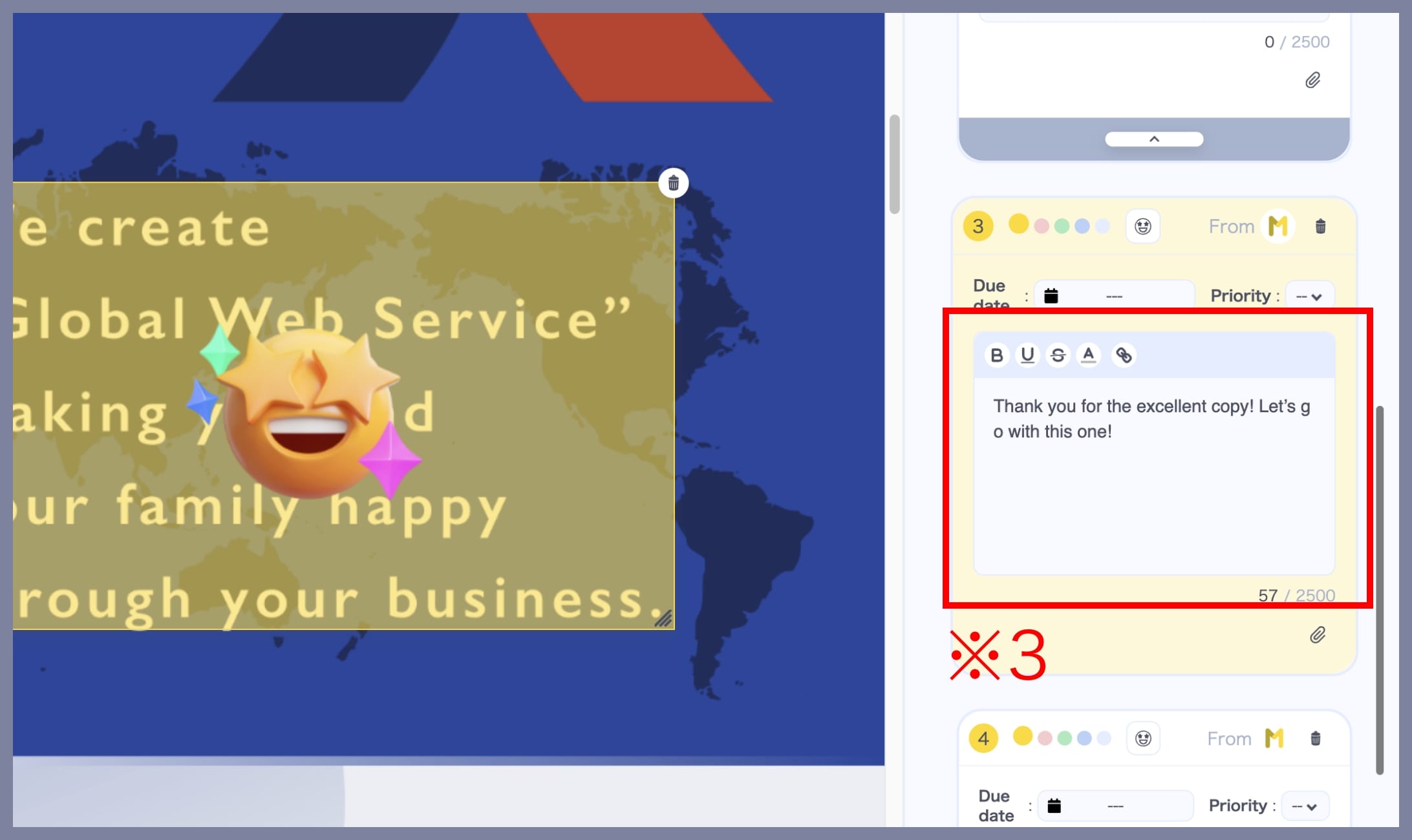
In the Editing the feedback screen, you can express appreciation for a design by using the GoodJob feature — essentially a “Like” reaction.
There are three types of GoodJob reactions available:
① Excellent
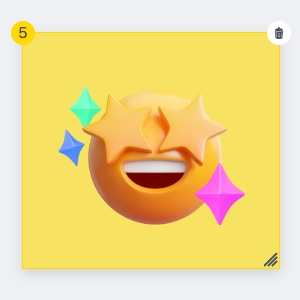
② Great

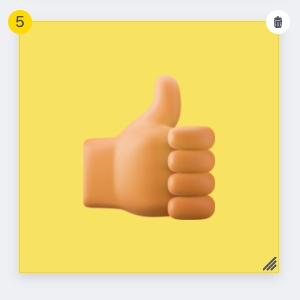
③ Good
This feature helps foster a positive, encouraging communication culture within your team or project.
How to Use
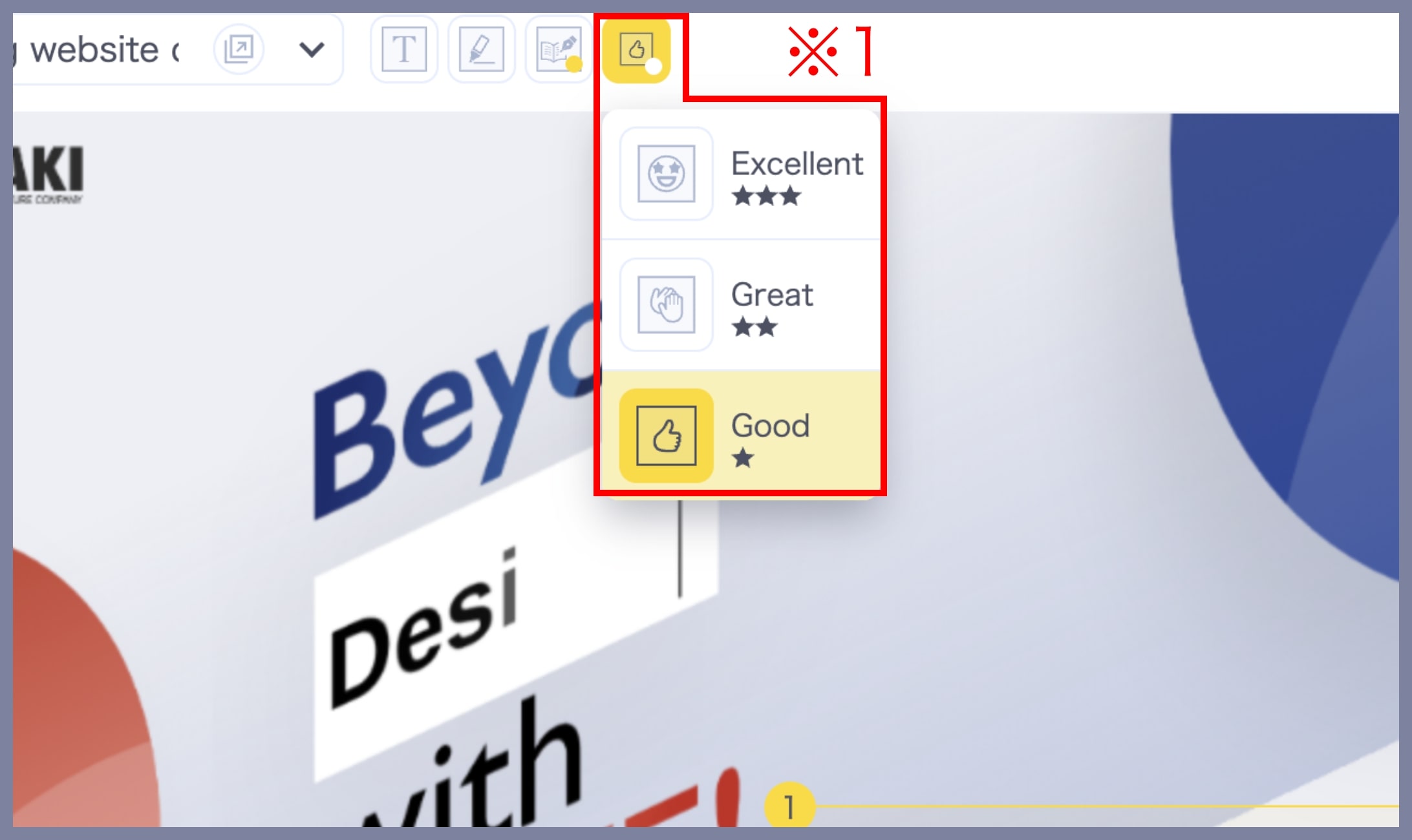
1. Select a “GoodJob”
On the Editing the feedback screen, hover over the GoodJob icon (※1) at the top, and choose the reaction you want to use.
2. Place the “GoodJob” on the Screenshot
Click the spot where you want to place the reaction to express your appreciation (※2).
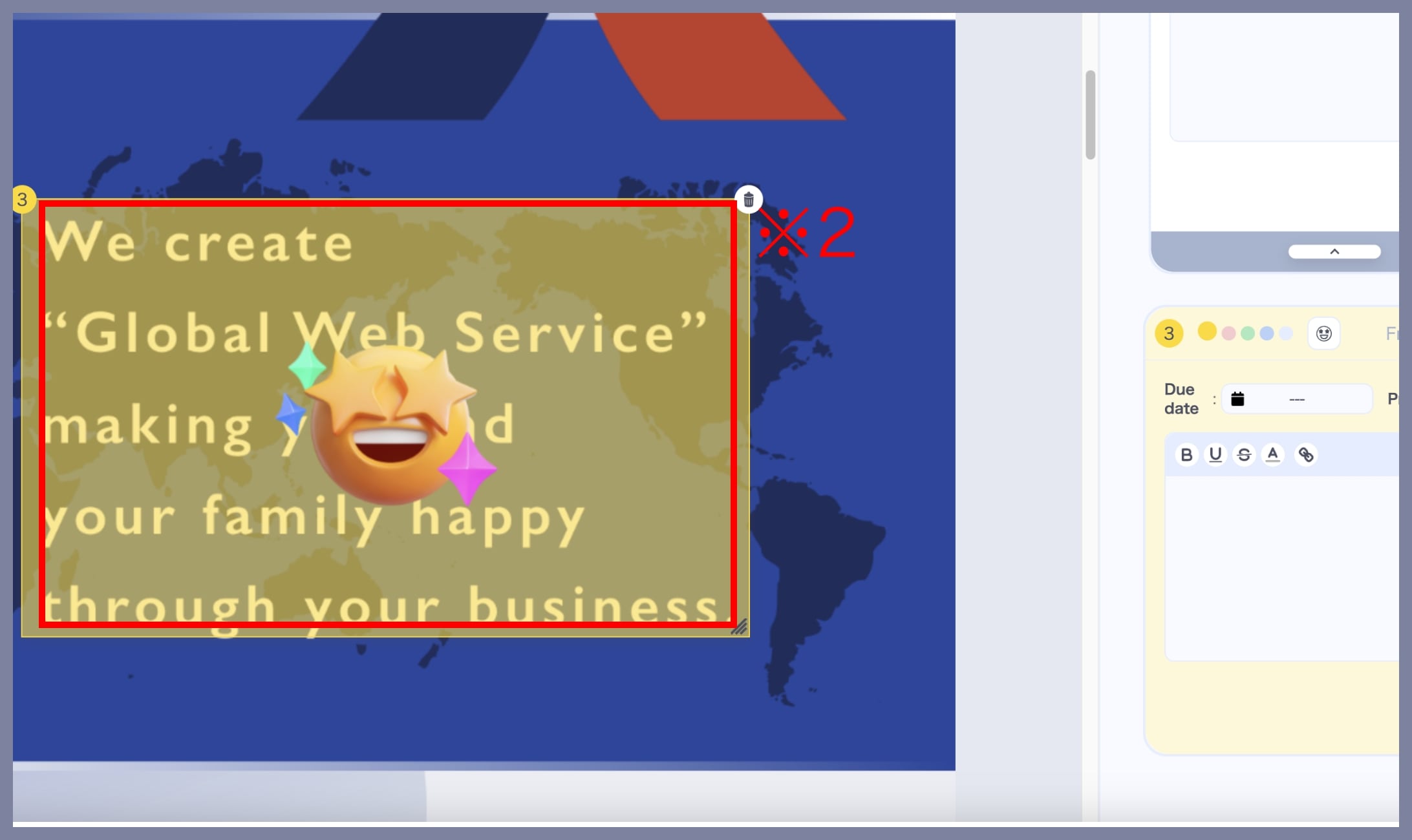
3. Add Your Comment
A comment box will appear on the right side of the screen. Enter a short message to go with your “Like” (※3).