Purpose
The Reply to Comment feature allows you to ask questions or confirm details directly under a comment.
All discussions related to feedback can be handled entirely within MONJI+, eliminating the need for external tools and enabling smoother communication.
How to Use
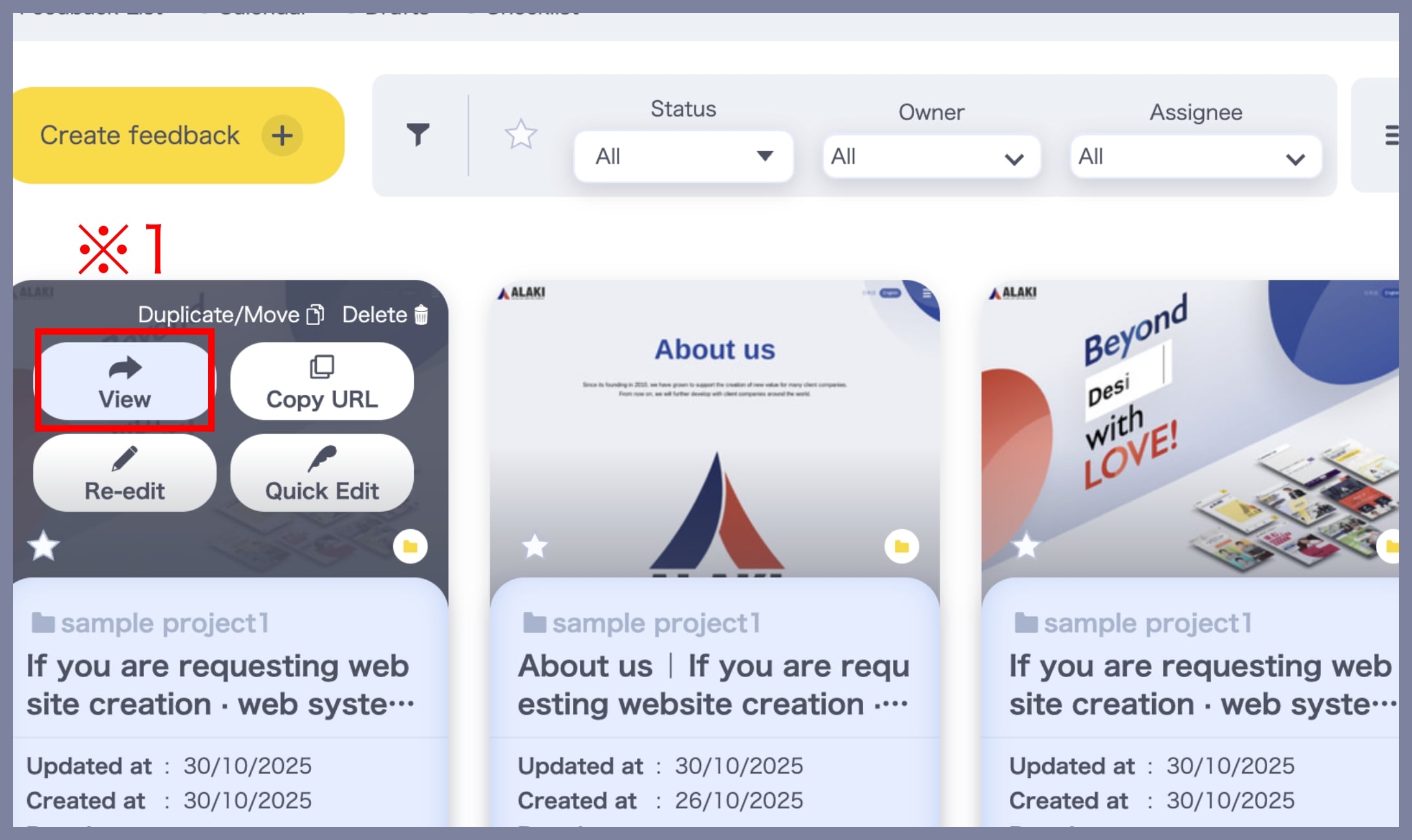
1. Access the “Viewing the feedback” screen
You can reply in Viewing the feedback.
From the Feedback List, open the feedback you want to reply to (※1).
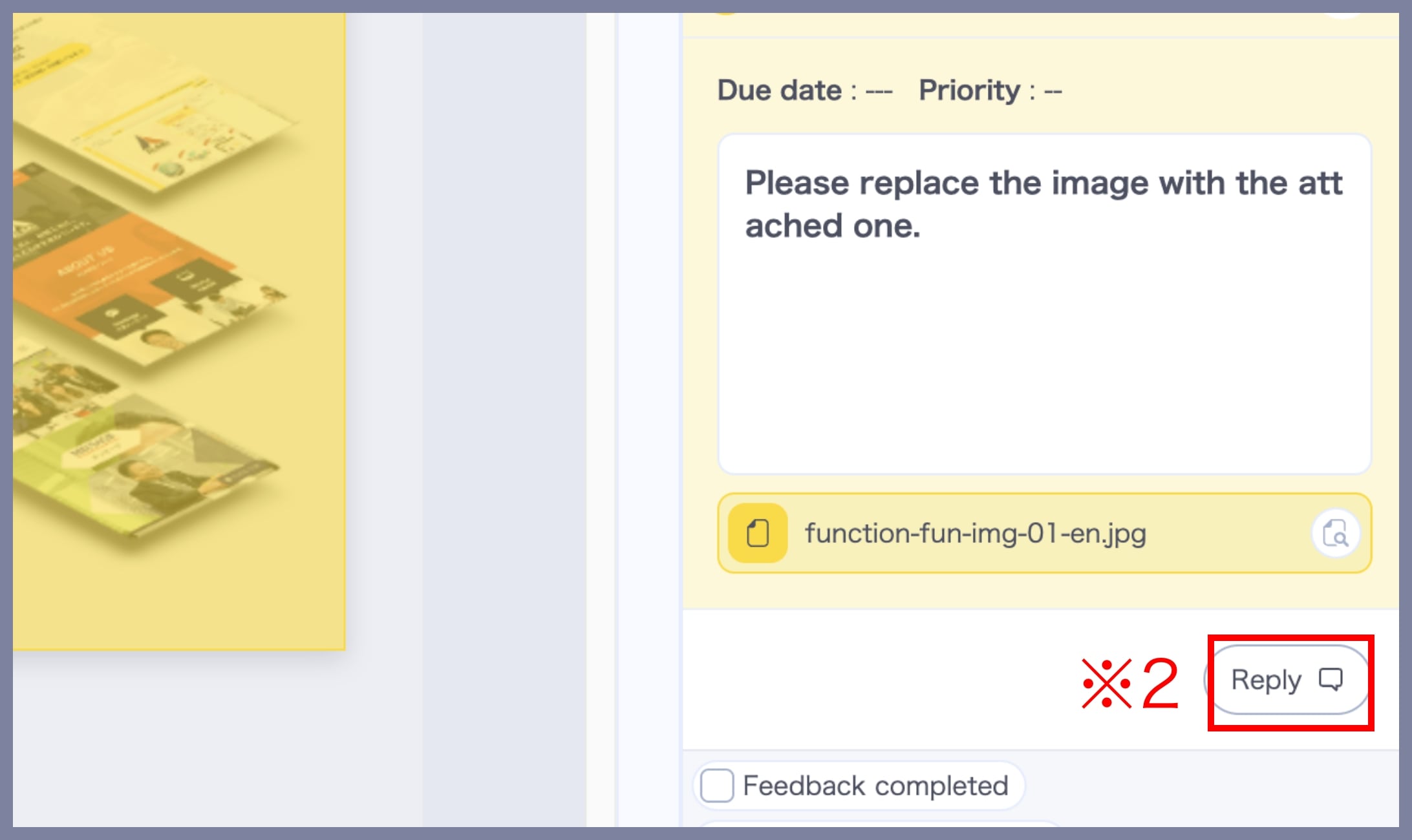
2. Select the Comment You Want to Reply To
Click the Reply button (※2) located at the bottom right of the comment.
3. Enter and Save Your Reply
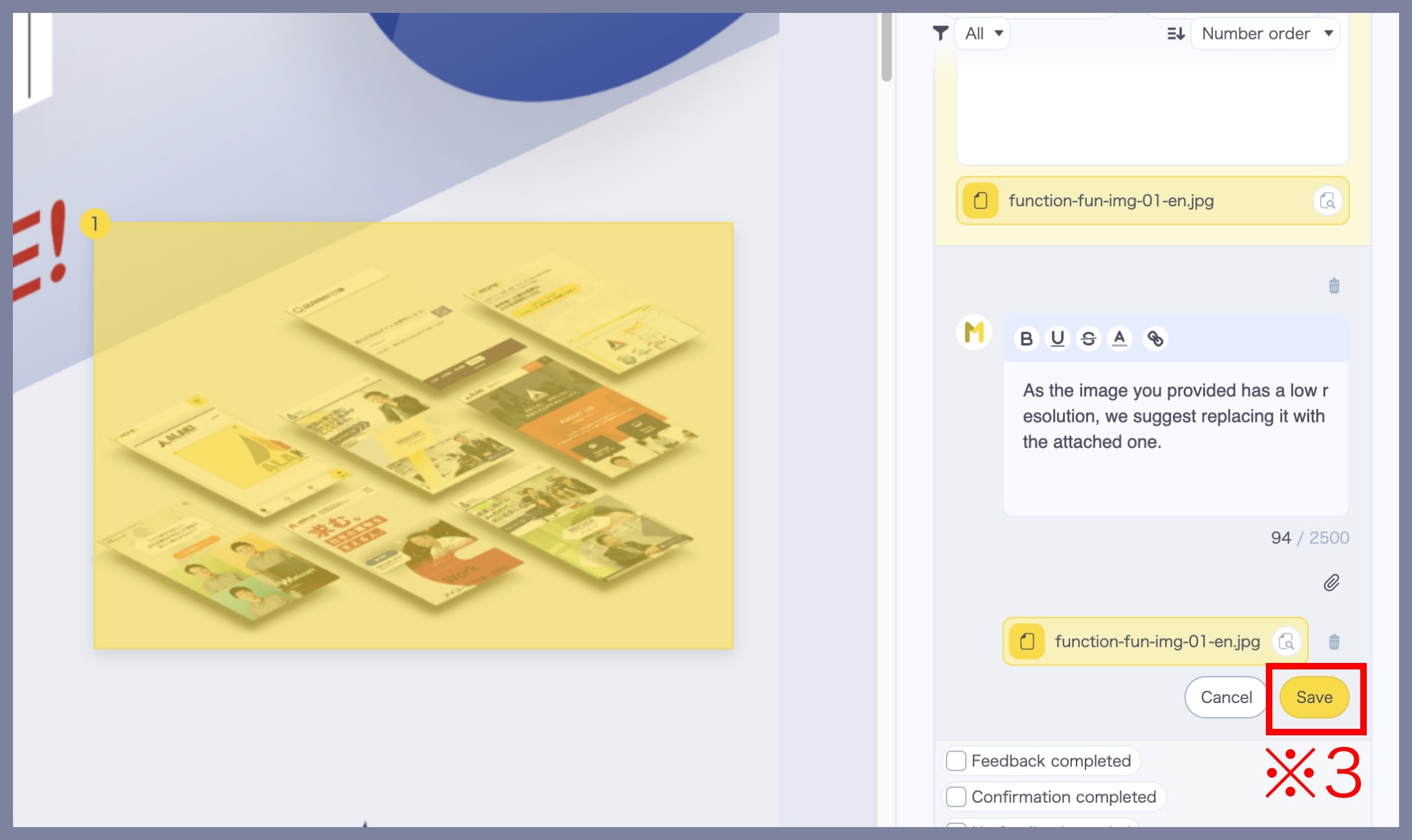
Type your reply in the input box.
As with regular comments, you can include links or attach files.
Click Save when you’re done. (※3).