Purpose
You can upload images, design files, and documents. Manage everything centrally in MONJI+ without relying on external storage services.
Sharing by client or project keeps things organized and secure.
Add/Edit Files
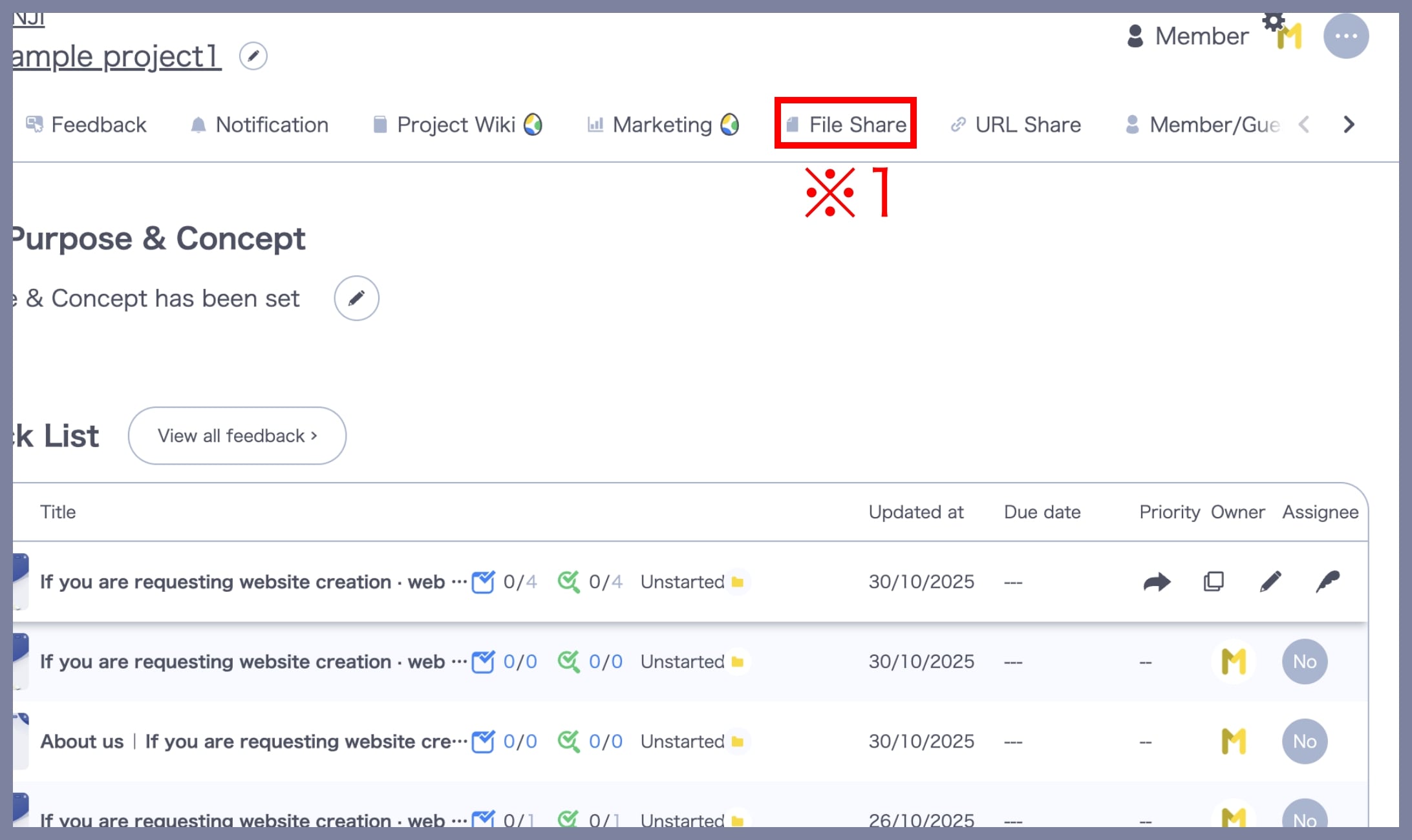
1. Open the “File Sharing” screen
From the Project menu, click the File Sharing link (※1).
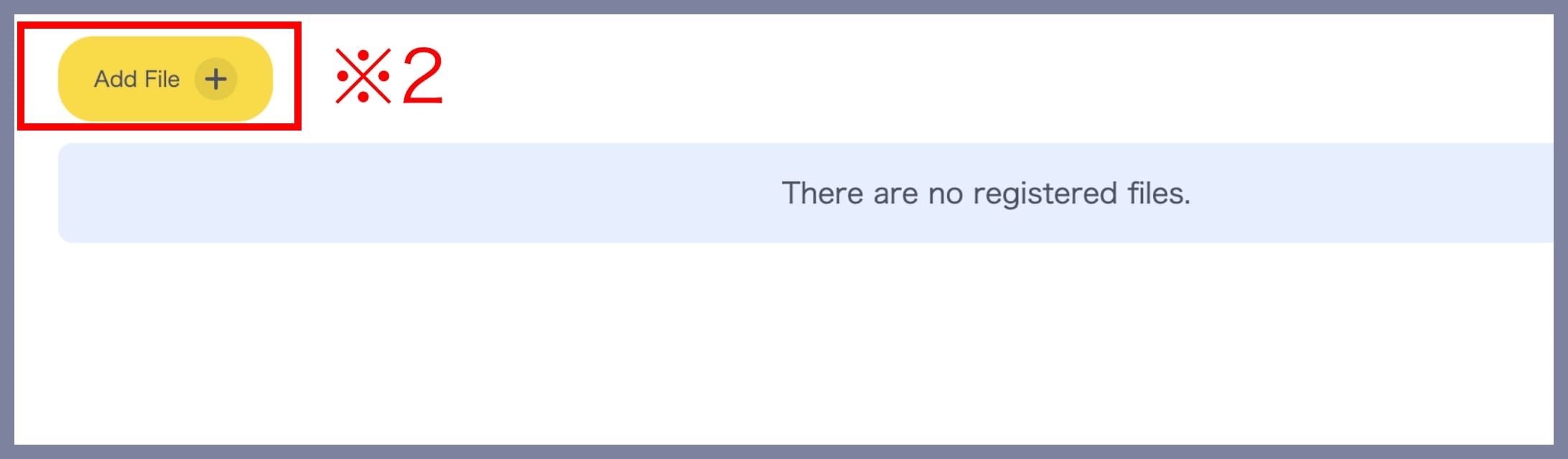
2. Add Files
Click the Add Files button (※2).
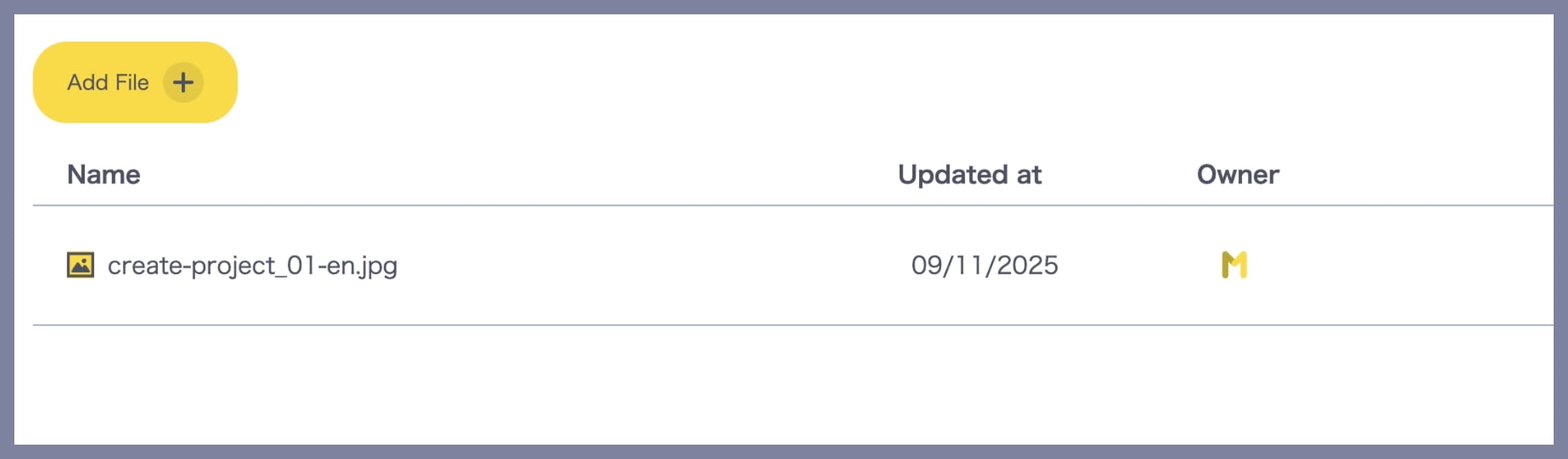
Select files from your computer. Once selected, the upload completes automatically.
– Edit file details
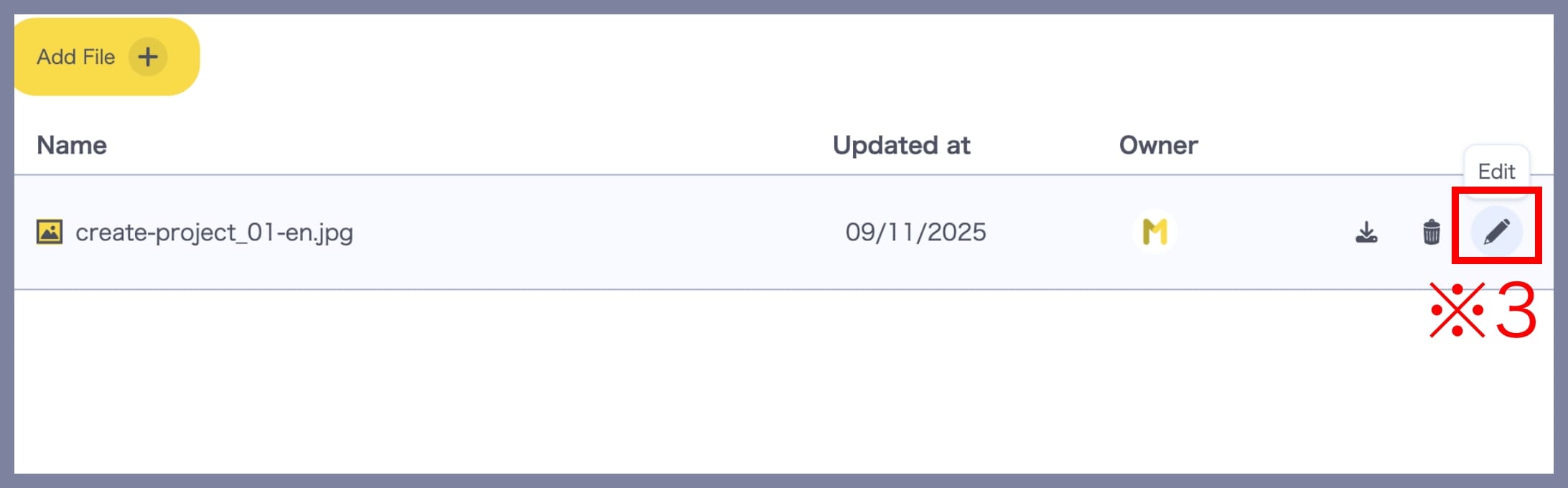
Click the Edit icon for the file (※3) to edit its information.
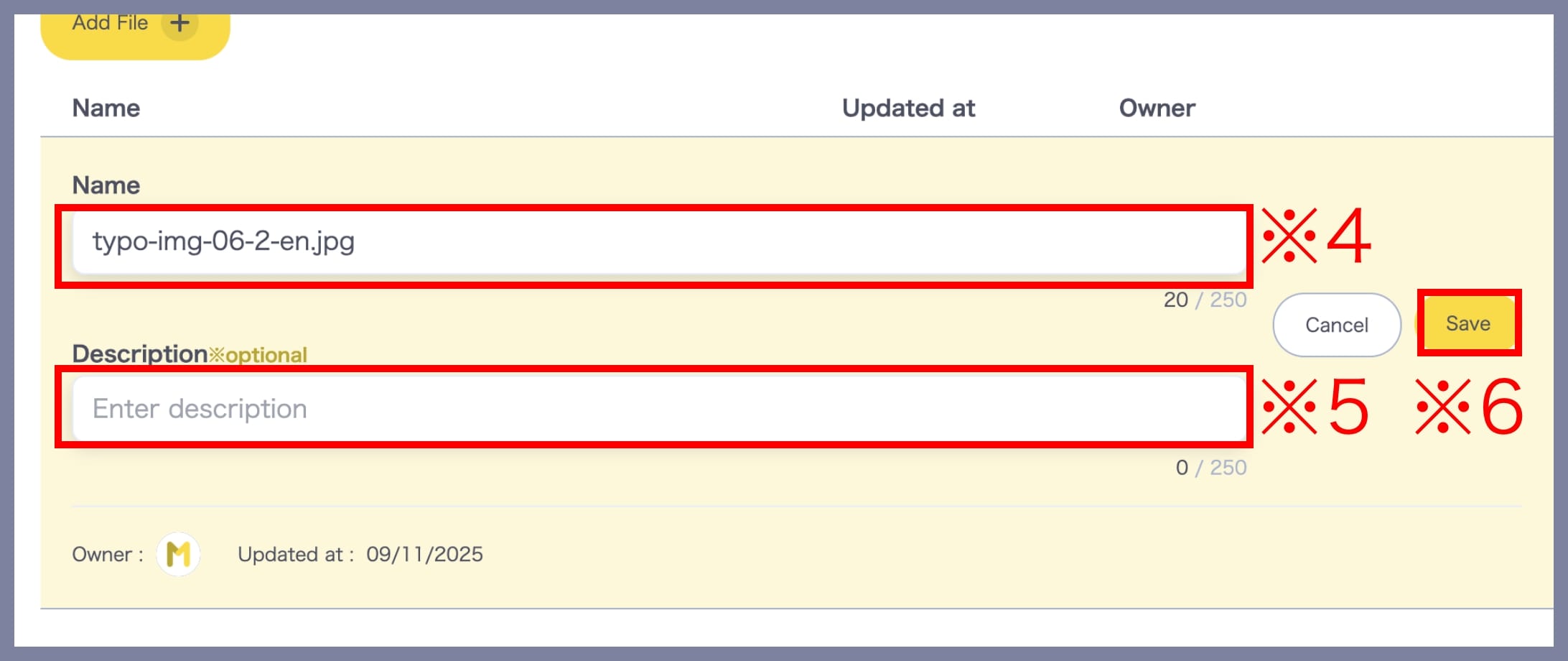
You can add or edit the following:
- File name (※4)
- Notes (※5) Optional
Click Save (※6) to finish editing.
– Download files
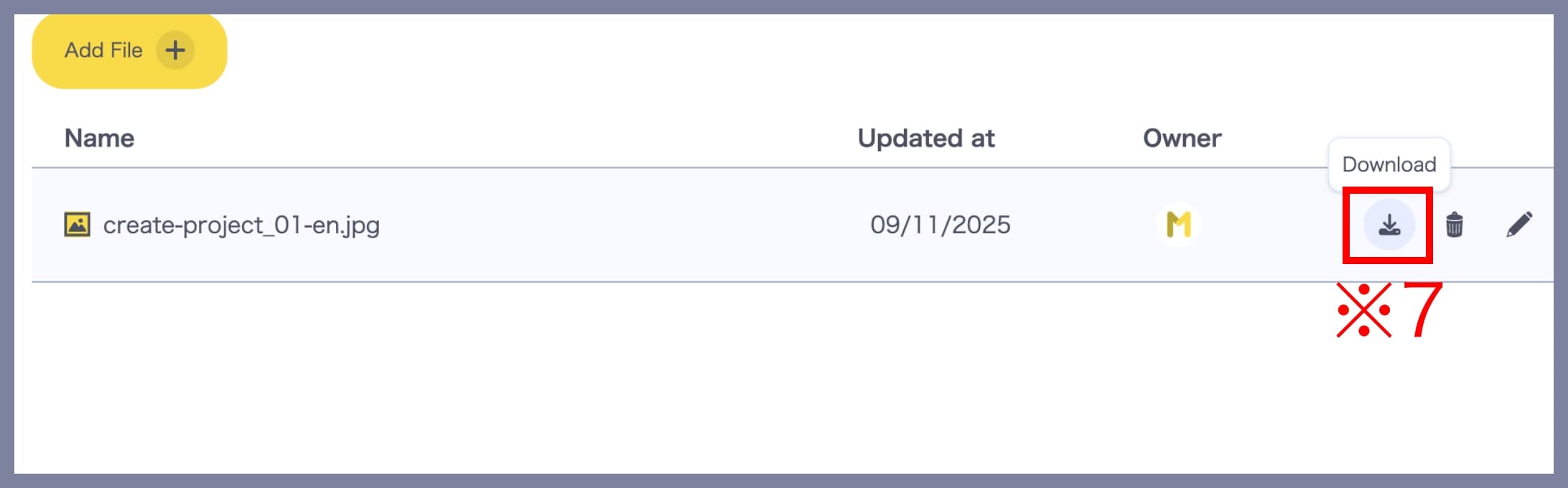
Click the Download icon (※7) to download a file.
– Reorder Files
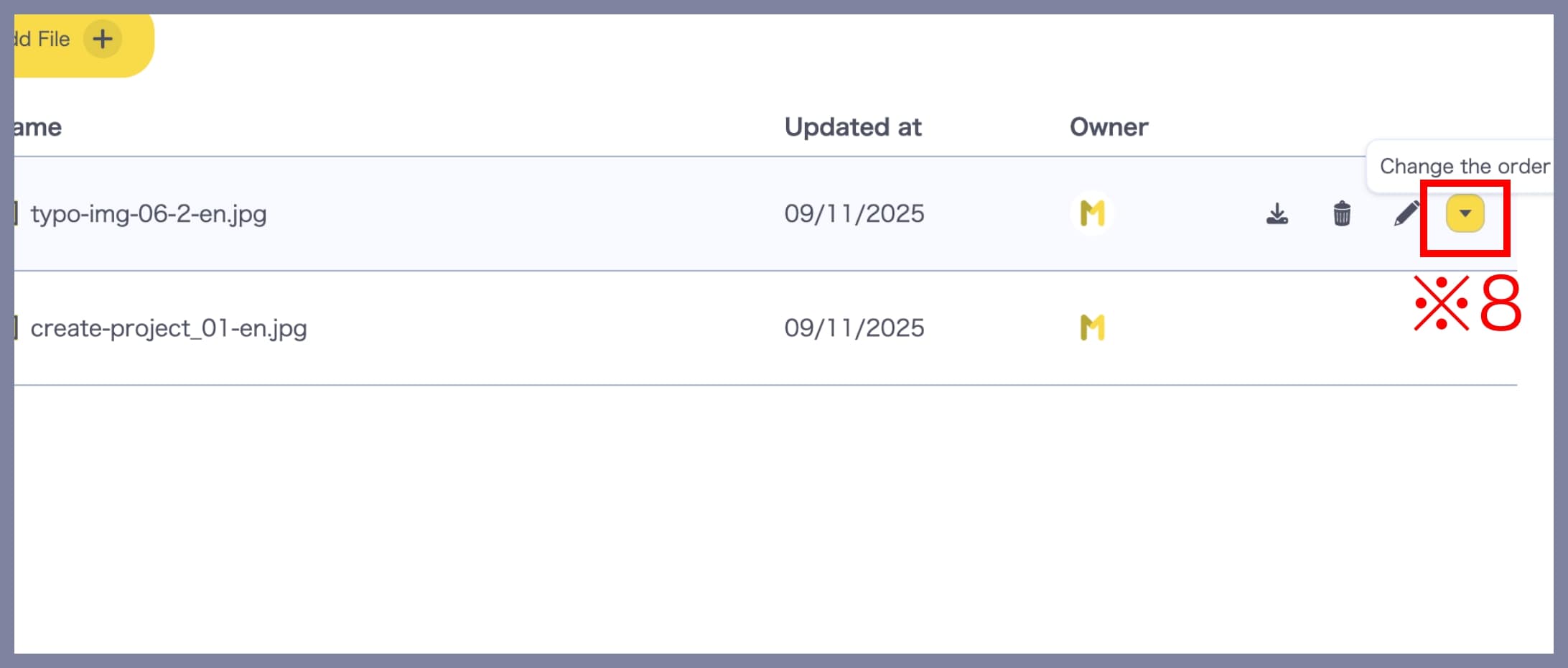
Click the Reorder icon (※8) to move a file up or down in the list.
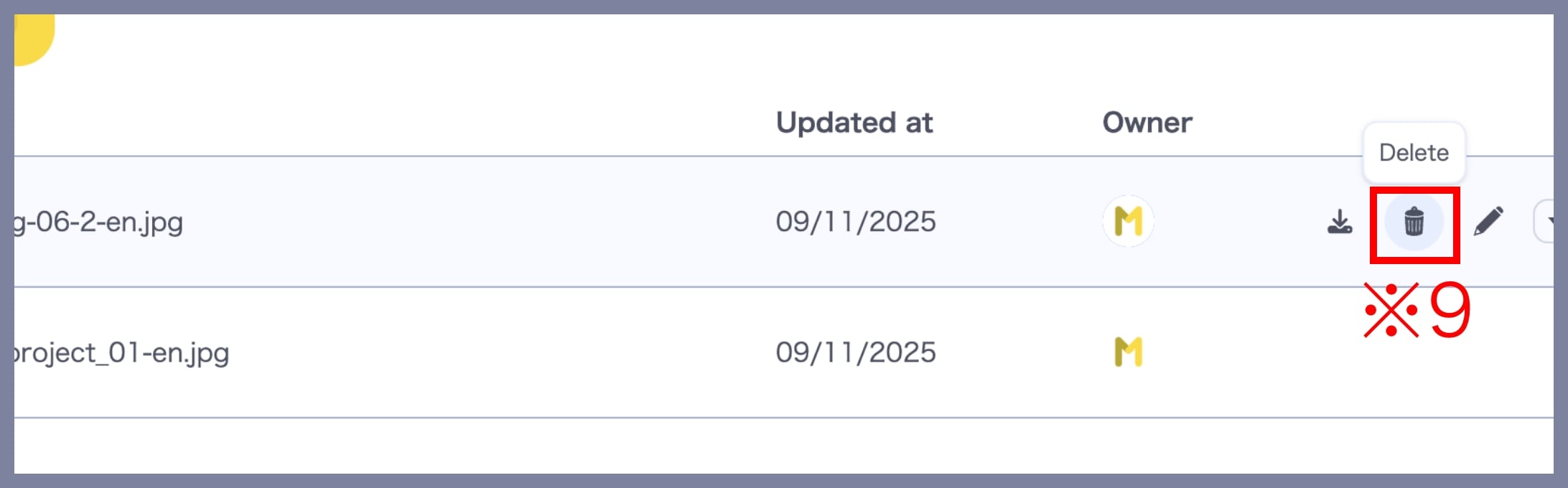
– Delete files
Click the Delete icon (※9) to remove a file.