












We've released Text Scan — capture the text inside a screenshot or image and drop it straight into your feedback comment. No more retyping the current wording, so you can reduce transcription errors and typos while creating feedback faster.
Just two simple steps
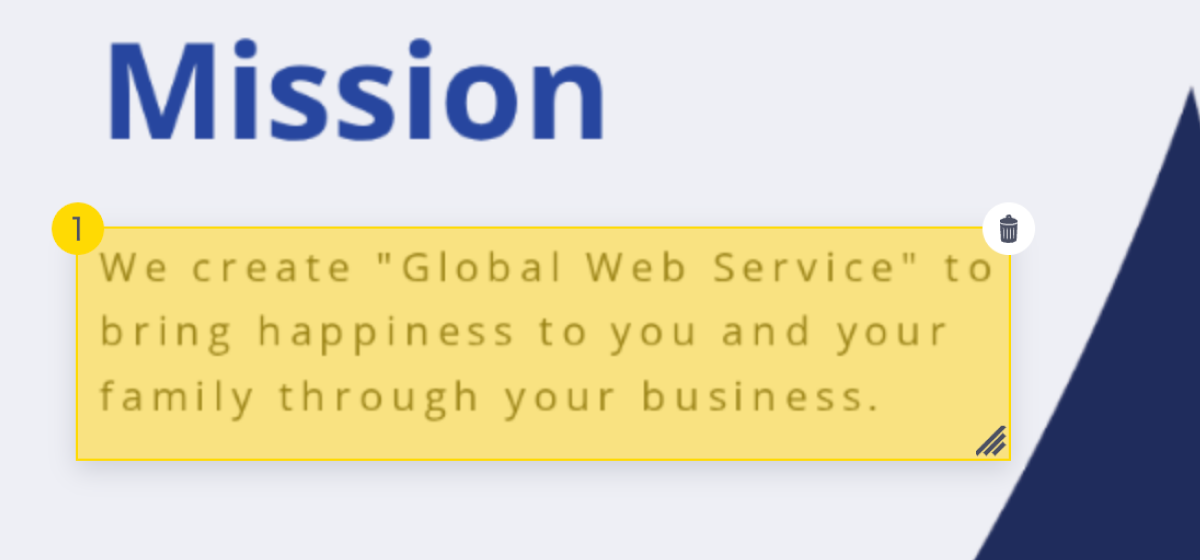
1. Box it
Draw a box around the text you want to fix. Even for long passages, there's no hunting and re-selecting.
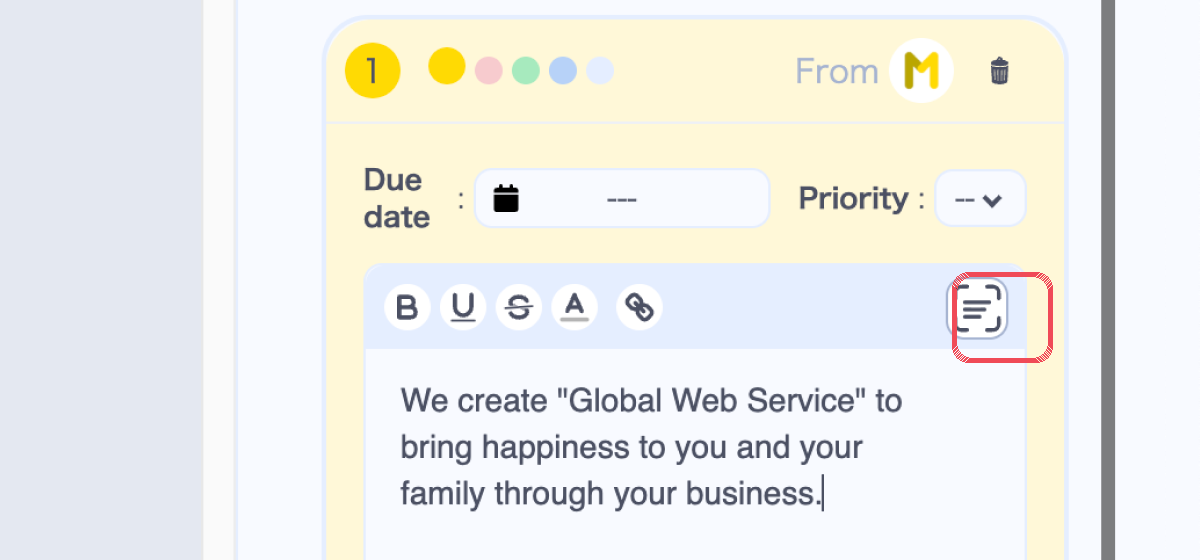
2. Paste it
Click the Text Scan icon in the comment field, and the text inside your box drops right into the comment.
What Text Scan changes
- No typing — You don't retype text from the image, so transcription errors and typos are avoided.
- Faster to create — Turn the current wording into a draft instantly and speed up feedback creation.
- Review before applying — Edit the scanned result before posting, so you can create accurate feedback with confidence.
Text Scan is available from the comment field of the Feedback feature. For details, see the Text Scan page.