









Purpose
The Pin tool lets you drop a pin on a single spot of the web page and leave a comment there.
It is handy for small, pinpoint feedback that isn’t worth enclosing with the Area selection tool, such as a single character in a sentence or a tiny detail in an image.
How to use
The Pin tool is available on the feedback creation and editing screen.
See here for how to create feedback.
1. Select the Pin tool on the toolbar
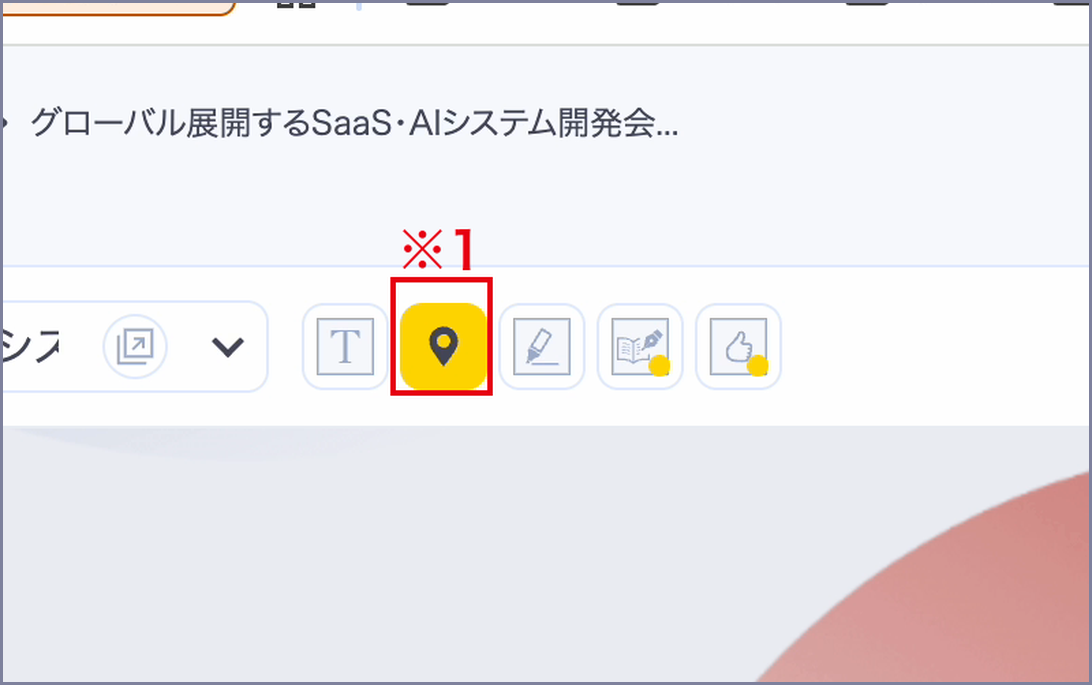
On the feedback editing screen, click the Pin tool on the toolbar.
You switch to pin-placing mode. (※1)
2. Click where you want to comment
Click the spot on the web page you want to point out.
A pin is placed at that position. (※2)

3. Enter your comment and save
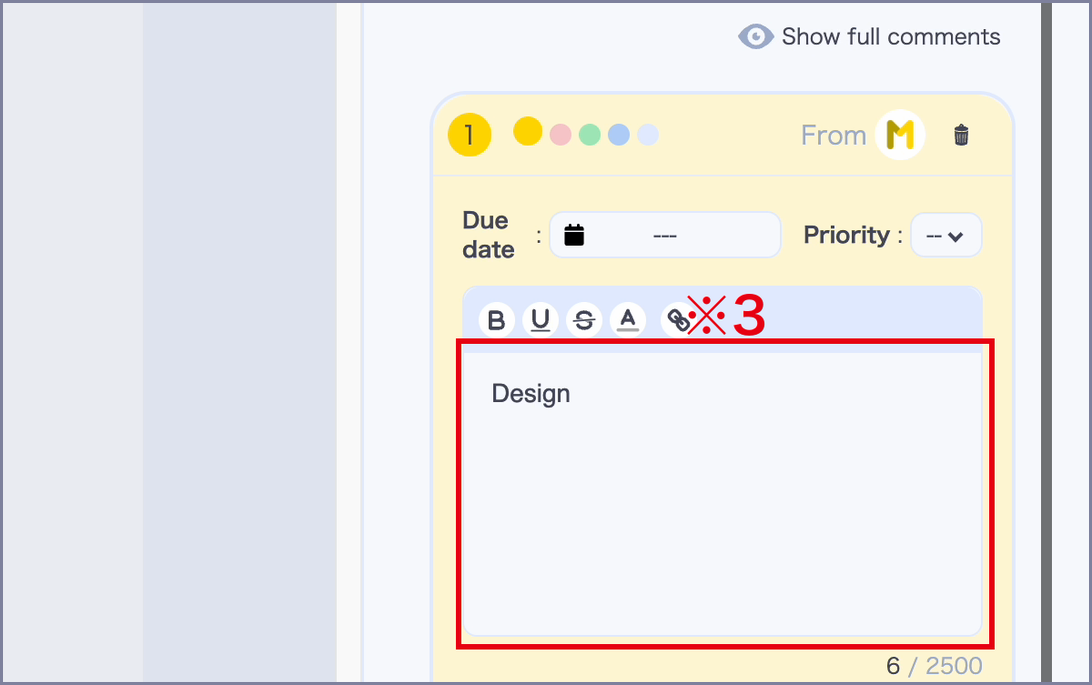
A comment box opens on the right side of the screen.
Enter your feedback and save, and the comment is registered with the pin’s number. (※3)
You can move a placed pin by pressing and dragging it.
Pins cannot be resized.
※ You can also switch tools with the keyboard. The Pin tool is Option (Alt on Windows) + 2.
See here for all tool shortcuts.