









Purpose
On the feedback editing screen, you can quickly switch between comment tools using keyboard shortcuts.
Shortcut list
The following tools can also be switched with keyboard shortcuts.
Hold Option (Alt on Windows) together with a number key.
- ・Area selection: Option (Alt on Windows) + 1
- ・Pin tool: Option (Alt on Windows) + 2
- ・Freehand marker: Option (Alt on Windows) + 3
- ・Proofreading marks: Option (Alt on Windows) + 4
- ・GoodJob: Option (Alt on Windows) + 5
Hover over a tool button to see its shortcut key. (※1)
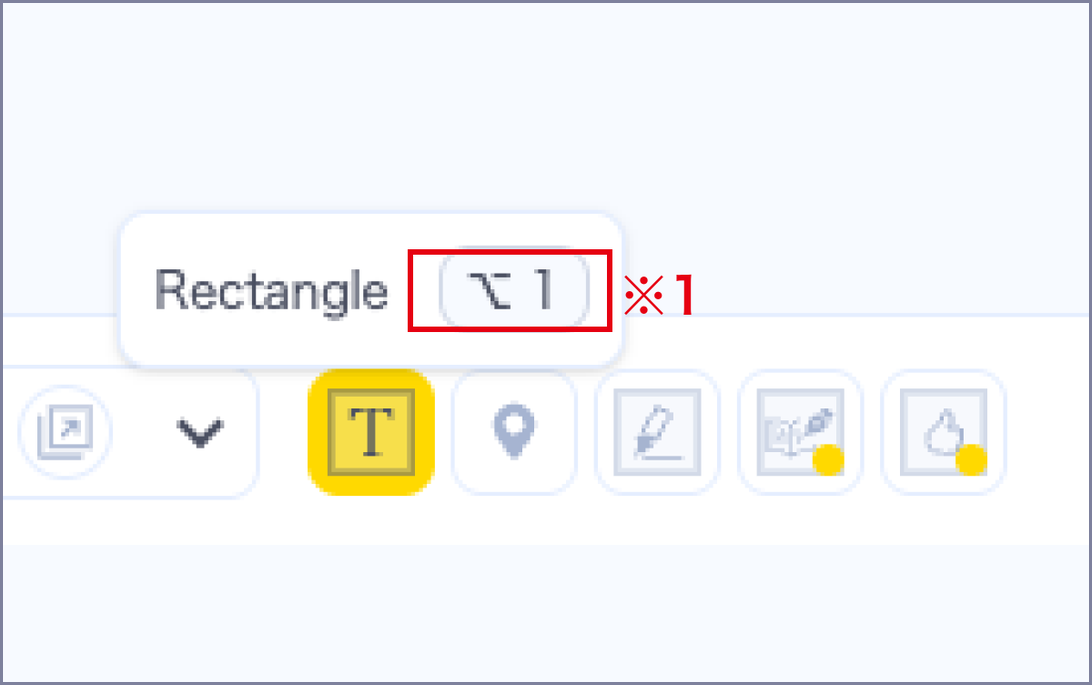
※ Shortcuts are available on the feedback creation and editing screen.
※ For Proofreading marks and GoodJob, pressing the same shortcut again cycles through the available marks or stamps.