









In Sharing settings, you can set which users can view or edit Issue Detection results and settings.
1.Go to the Sharing settings page
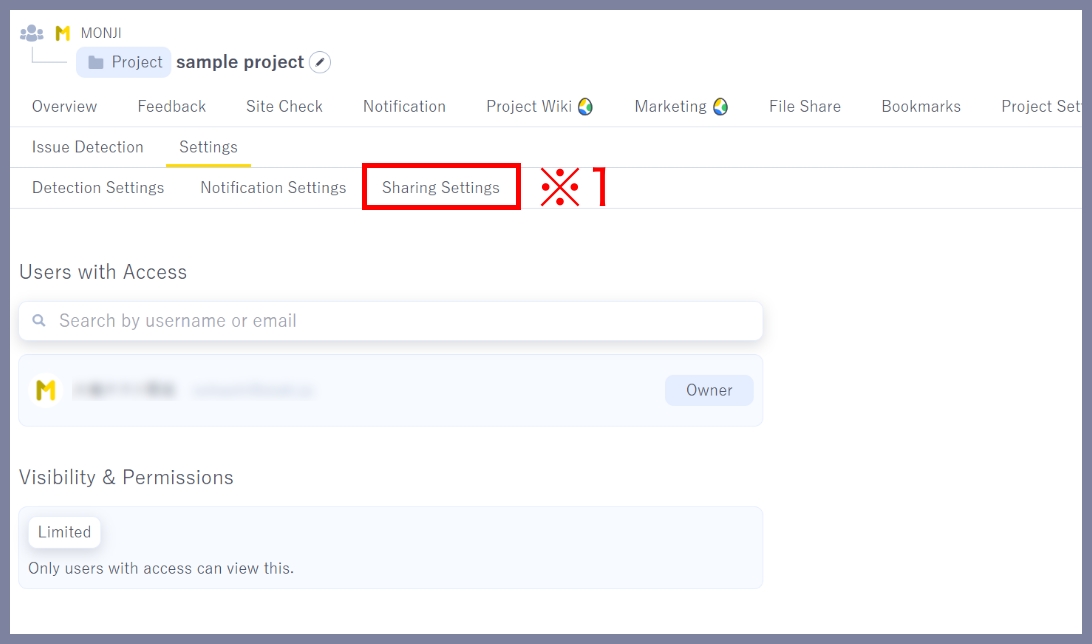
Click Site check > Settings > Sharing settings (※1) in the project menu.
2.Set who can view or edit
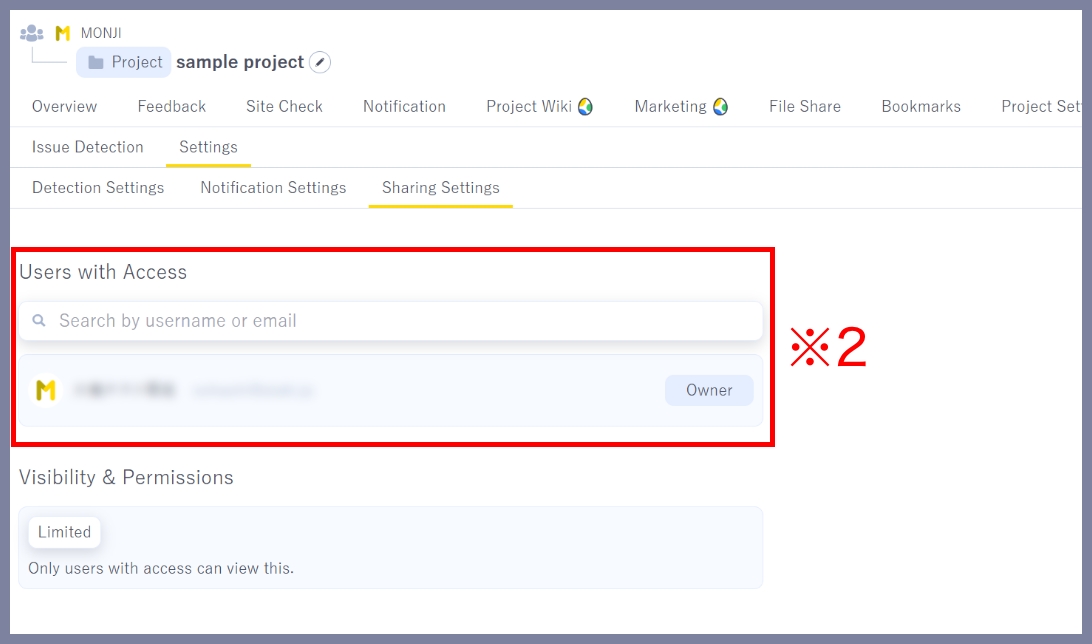
Accessible users (※2)
You can set users to share with and assign their permissions.
Access scope and role (※3)
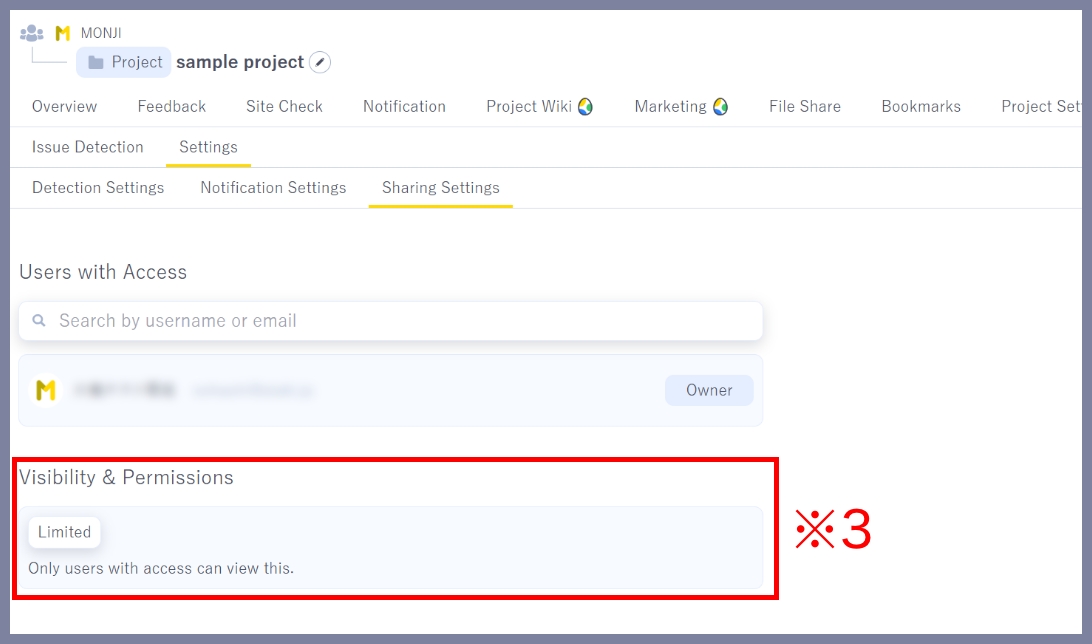
Choose from the following two options to set access scope and permissions.
1.Restricted
Only users added to Accessible users can access it.
2.Project
All Project members and guests in the selected project can access it.
About permissions
●Viewer
Can view detection results only. Cannot run Issue Detection or change settings.
●Editor
Has full access to all actions.
★Related guides
● How to manually run Issue Detection (first run and subsequent runs)
● How to run Issue Detection with Scheduled Run
● How to create Feedback from detection results
● How to set detection conditions and items (Detection settings)
● How to configure notification recipients (Notification settings)
● How to view detection results (History・details)